 Haushelden
Learning missions
Times tables learning mission
Times tables from 1 × 1 to 10 × 10
Nine pages of times tables to print: first find out what you already know, then train hero tricks as anchors and work your way from there to the hard sums.
Learning mission as PDF Practise on screen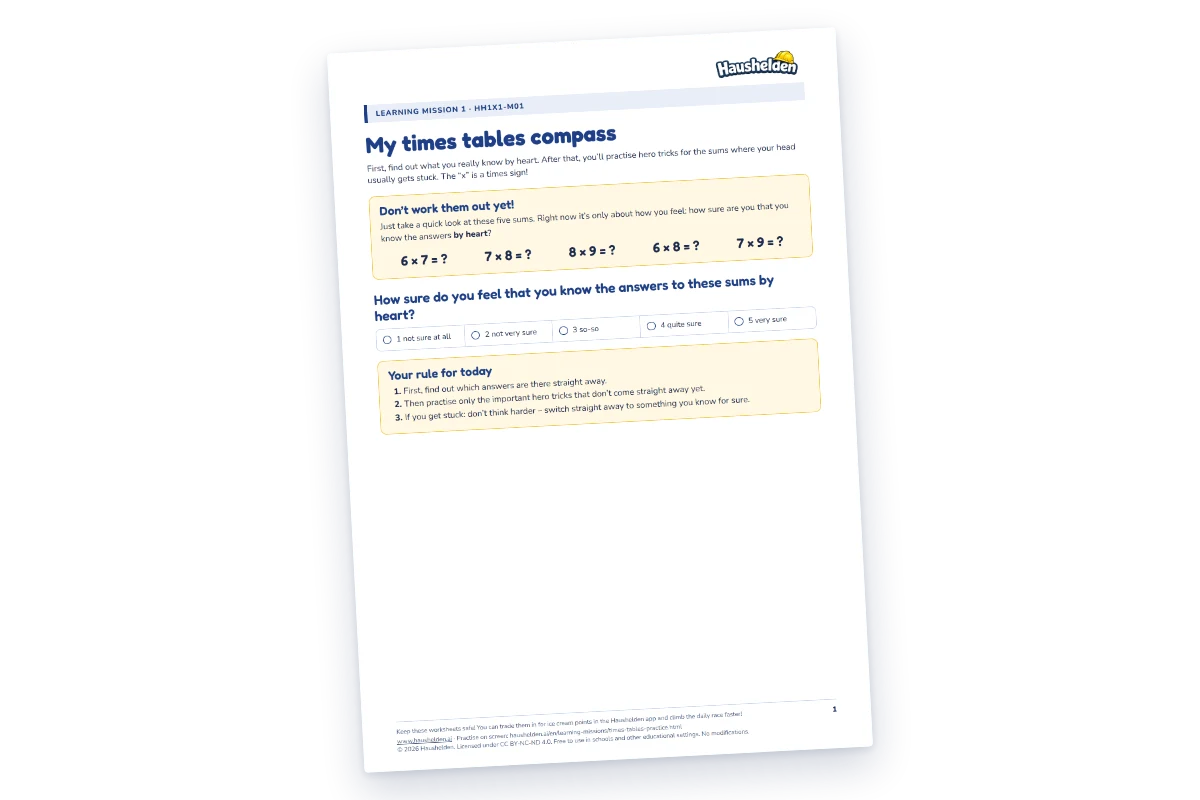
The times tables learning mission turns the usual order upside down. Nothing gets worked out on the first page: there are five hard sums – 6 × 7, 7 × 8, 8 × 9, 6 × 8 and 7 × 9 – and next to them a scale from “not sure at all” to “very sure”. All we ask about is the feeling.
Next comes the personal times tables map: What do I know straight away? What do I know after a quick think? What takes me a long time? The following page has all the times tables from 1 × 1 to 10 × 10, and every single sum gets sorted. At the end, a child can see in black and white where they stand.
Then come the hero tricks, and that is what it is really about. A hero trick is an anchor: a sum you already know for sure, from which you work your way to the hard one. 6 × 7 via 5 × 7 = 35 plus another 7. 9 × 7 via 10 × 7 = 70 minus 7. 4 × 7 via 2 × 7 = 14, doubled. The more anchors a child is sure of, the less they have to learn by heart: everything else is one step away from an anchor. And whatever has been reached from an anchor often enough eventually becomes an anchor itself.
Towards the end come the same five sums as at the start, and the same scale. Alongside them comes a question you won’t find on any worksheet: did the answer come straight away – yes or no? And if not: which hero trick helped?
Filled in? Then it counts in the app too
Keep the completed sheets: in the Haushelden app they can be redeemed for ice cream points and move you forward in the daily race.
Or straight on screen: if you practise the mission online, you get 1 🍦 on a code for each of the six missions and redeem it in the app.
Redeem in the app